
How to unblock emails in MS Outlook App (desktop)
If you use Outlook for Windows or Mac, you can unblock senders directly through the Junk Email settings.
Open Outlook and go to the Home tab.
Click Junk → Junk E-mail Options.
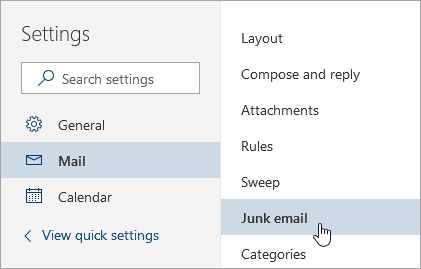
Select the Blocked Senders tab.
Find the email address or domain you want to unblock.
Click Remove → Apply → OK.
Once removed, messages from that sender will go to your inbox again instead of Junk. Outlook will also learn from your choice, helping it recognize similar emails as safe in the future.
Add trusted senders in desktop Outlook
If you often miss messages from people you trust, adding them to your Safe Senders list keeps their emails exactly where they belong: your inbox.
Open Junk E-mail Options → Safe Senders.
Click Add → enter the email address or domain → OK.
Check “Also trust e-mail from my Contacts” for added reliability.
